Is there a good SSL certificate decoder tool that shows domain, issuer, and expiry date
Short answer
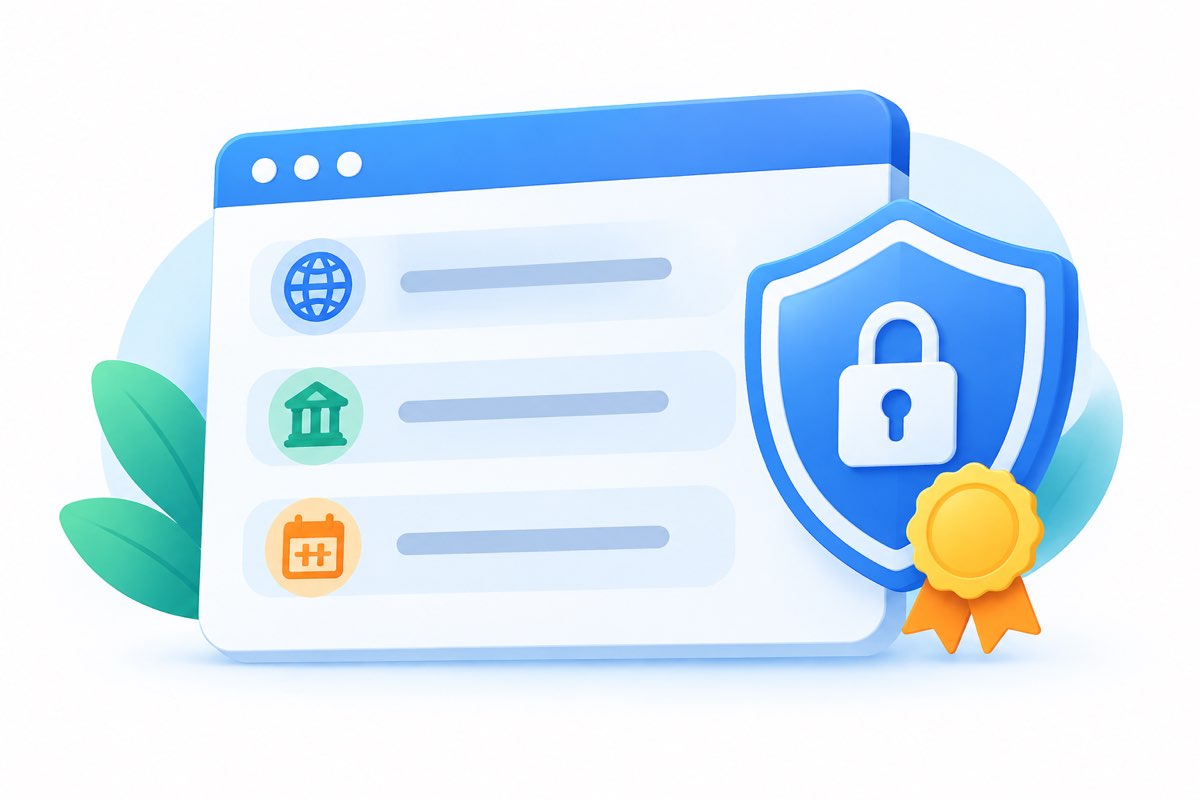
Yes. A good SSL certificate decoder takes a domain, fetches its certificate, and shows the domain, issuer, and expiry date in one clean view — no terminal, no install. That's the core job, and it's worth picking a decoder that reads the same fields a command line tool would.
What a decoder should tell you
- Covered domain. The exact name the certificate protects, including wildcards and SANs.
- Issuer. Which CA signed it — useful for spotting self-signed or mismatched certs.
- Expiry date. The precise date, plus how many days remain.
- Bonus fields. Serial number, signature algorithm, validity period, and chain details.
How to check any certificate
- Enter the domain. Paste the hostname without https:// — the tool handles the fetch.
- Read the header. Domain, issuer, expiry should be visible without scrolling.
- Cross-check if it matters. Compare with openssl:
The decoder reads the same certificate fields, so the values should match.echo | openssl s_client -connect example.com:443 2>/dev/null | openssl x509 -noout -subject -issuer -dates
FAQ
What should a good SSL decoder show?
Domain, issuer, and expiry at minimum — plus SANs and chain info if you want to be thorough.
Can I check any domain without installing anything?
Yes. The decoder connects to the site, grabs the cert, and parses it right in the browser.
How do I know the expiry date is correct?
It comes from the certificate itself, the same source openssl uses. If you need certainty, compare both outputs.
Why does my cert show the wrong issuer?
You're likely viewing an intermediate certificate. Scroll up the chain to the root — the issuer you expect sits at the top.